

Set up from the Meilisearch Cloud dashboard
Open your project in the Meilisearch Cloud dashboard, select the Search rules tab, and click New rule. Give the rule an ID, such ascoffee-top-picks, and a description.
Pin the first document
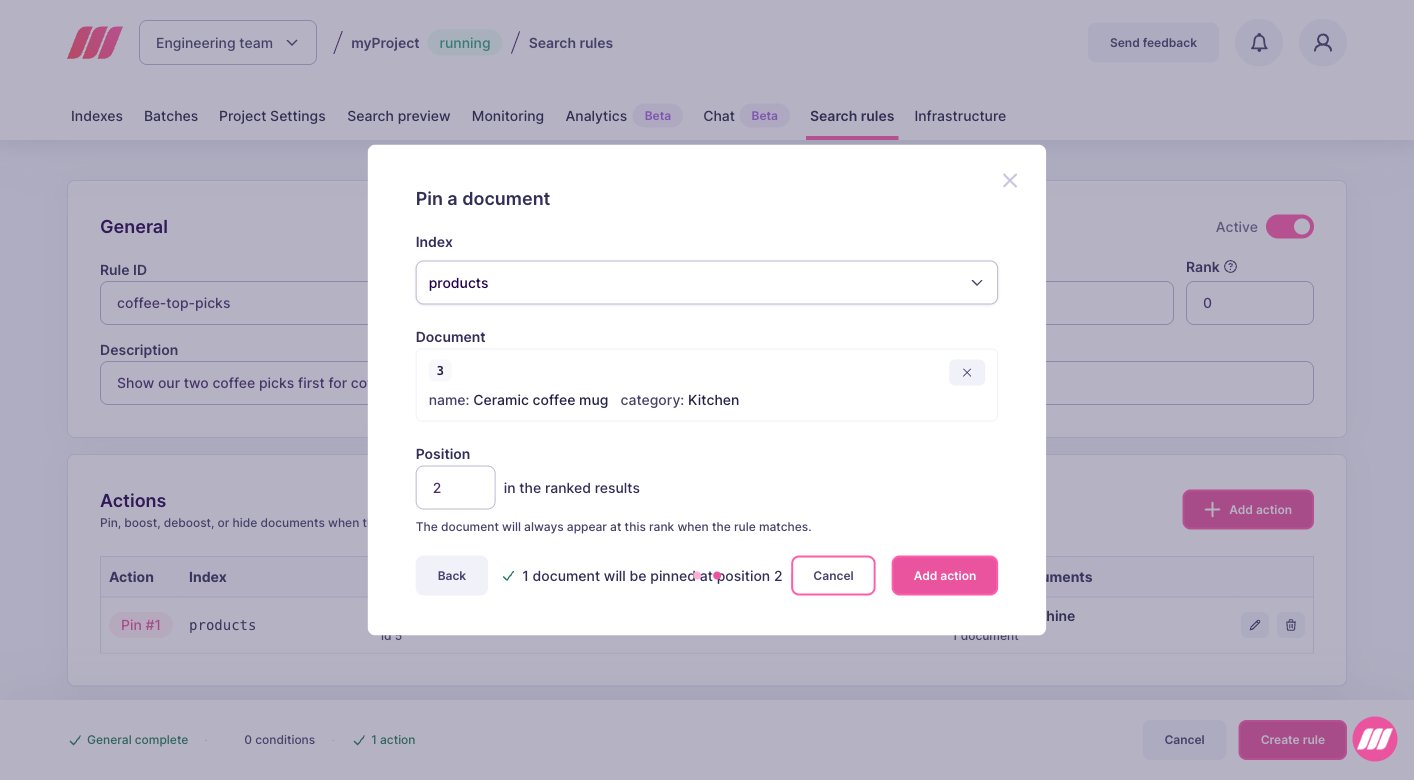
In the Actions block, click Add action, select Pin a document, then click Next. Choose the Index, then search the Document by its ID or its content. Set its Position, which starts at1 for the first result, and click Add action.
Pin the next ones
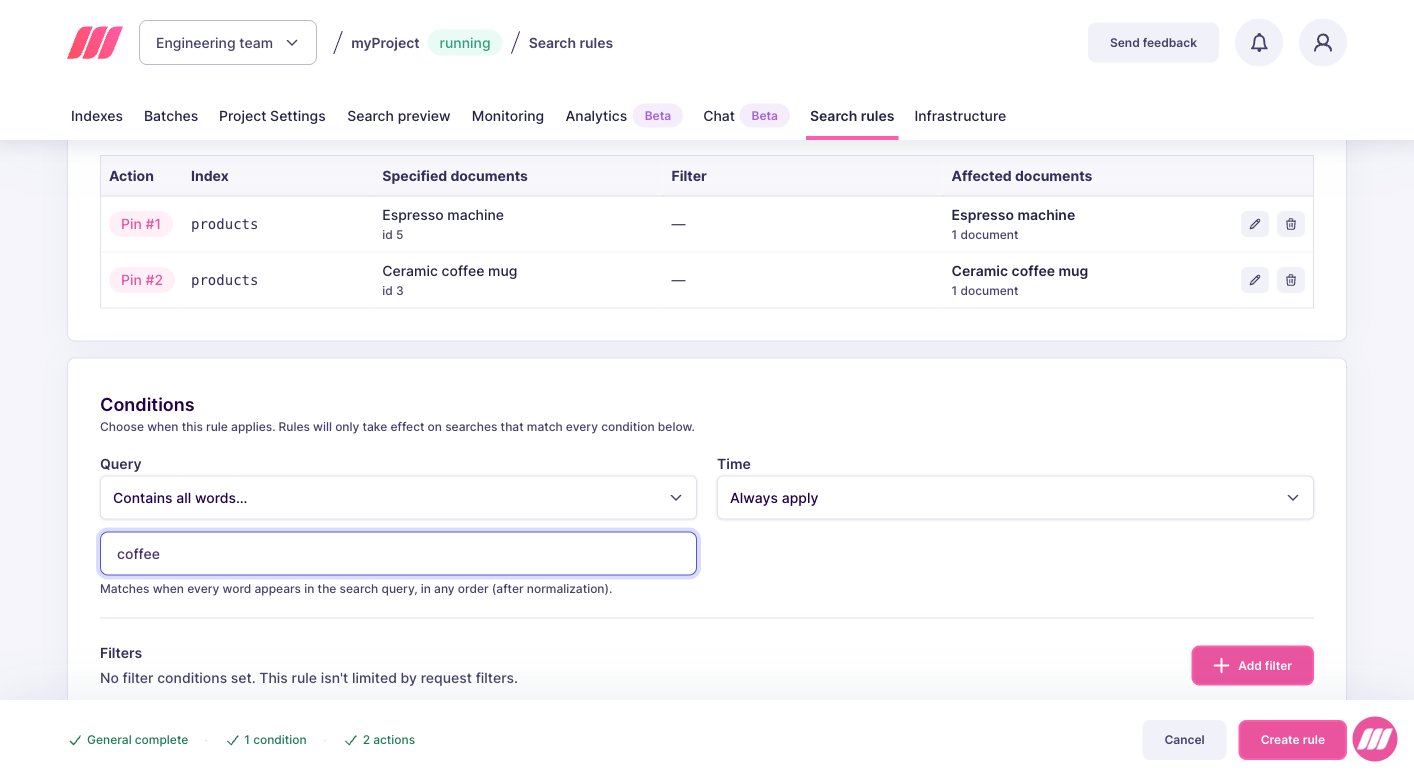
Repeat the same steps for every document you want to place, here the coffee mug at position2. The Actions block numbers your pins and shows which document each one promotes.
Pins do not have to follow each other. Pinning at positions 1 and 5 leaves organic results in between.
Choose when the rule applies
In the Conditions block, set Query toContains all words, then enter coffee. The rule now applies to every search containing that word, in any order, so it also covers “coffee machine” or “best coffee grinder”.
Set up on a self-hosted instance
- Each entry in
pinplaces one document at one position. The order of the entries does not matter, thepositionvalues do. - Positions count from
0in the API, so0is the first result. The dashboard displays the same slot as position1. - If the current search filters exclude a pinned document, Meilisearch drops that pin and an organic result takes the slot. The other pins stay where you put them. See specific behaviors.
taskUid, because creating a rule is an asynchronous operation:
succeeded status. To follow its progress, pass the taskUid to the task API.
From then on, every search containing “coffee” starts with your two picks, in the order you chose, and the organic results follow.
Next steps
Boost documents
Rank a selection of documents higher during a campaign
Hide documents
Remove documents from the results without reindexing
Specific behaviors
See how pins interact with filters and with the other actions
API reference
Endpoints, rule fields, and update behavior