Prerequisites
Download the Meilisearch OpenAPI specification file from the latest Meilisearch release on GitHub. Scroll down to the Assets section of the release and downloadmeilisearch-openapi.json. Save it somewhere on your computer.
Import the OpenAPI specification
Click the three-dot menu (…) at the top of the sidebar, then select Import.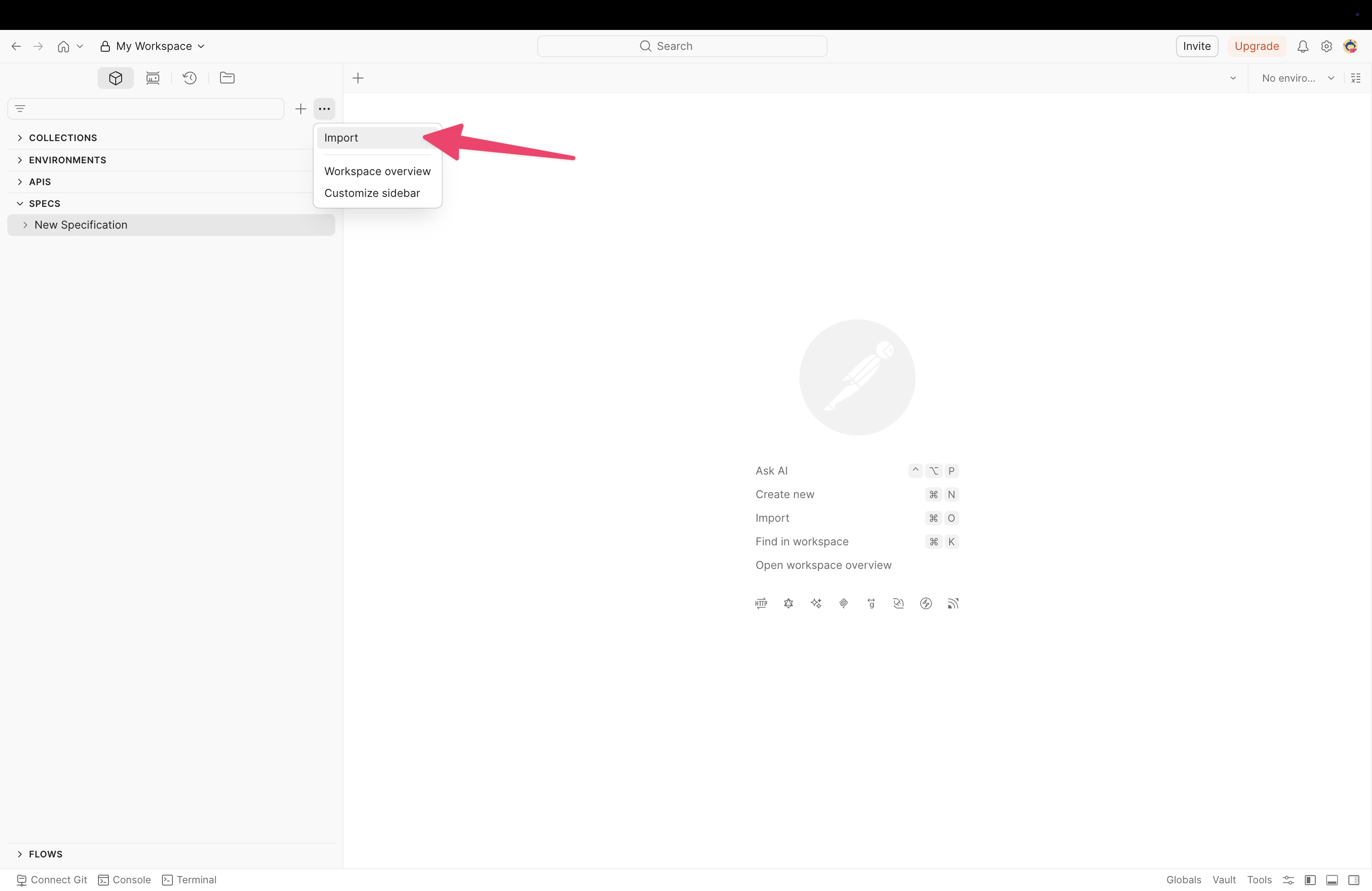
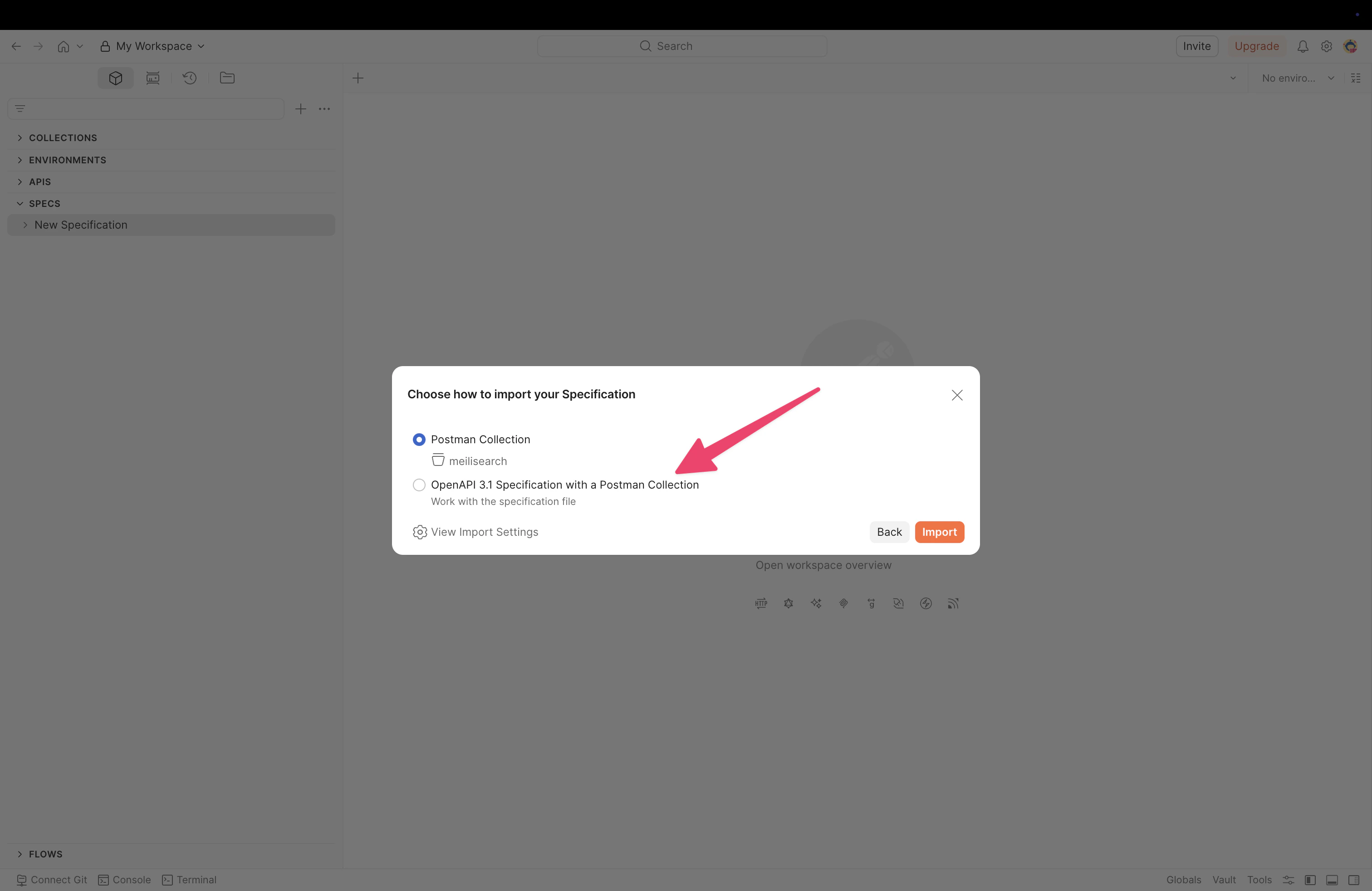
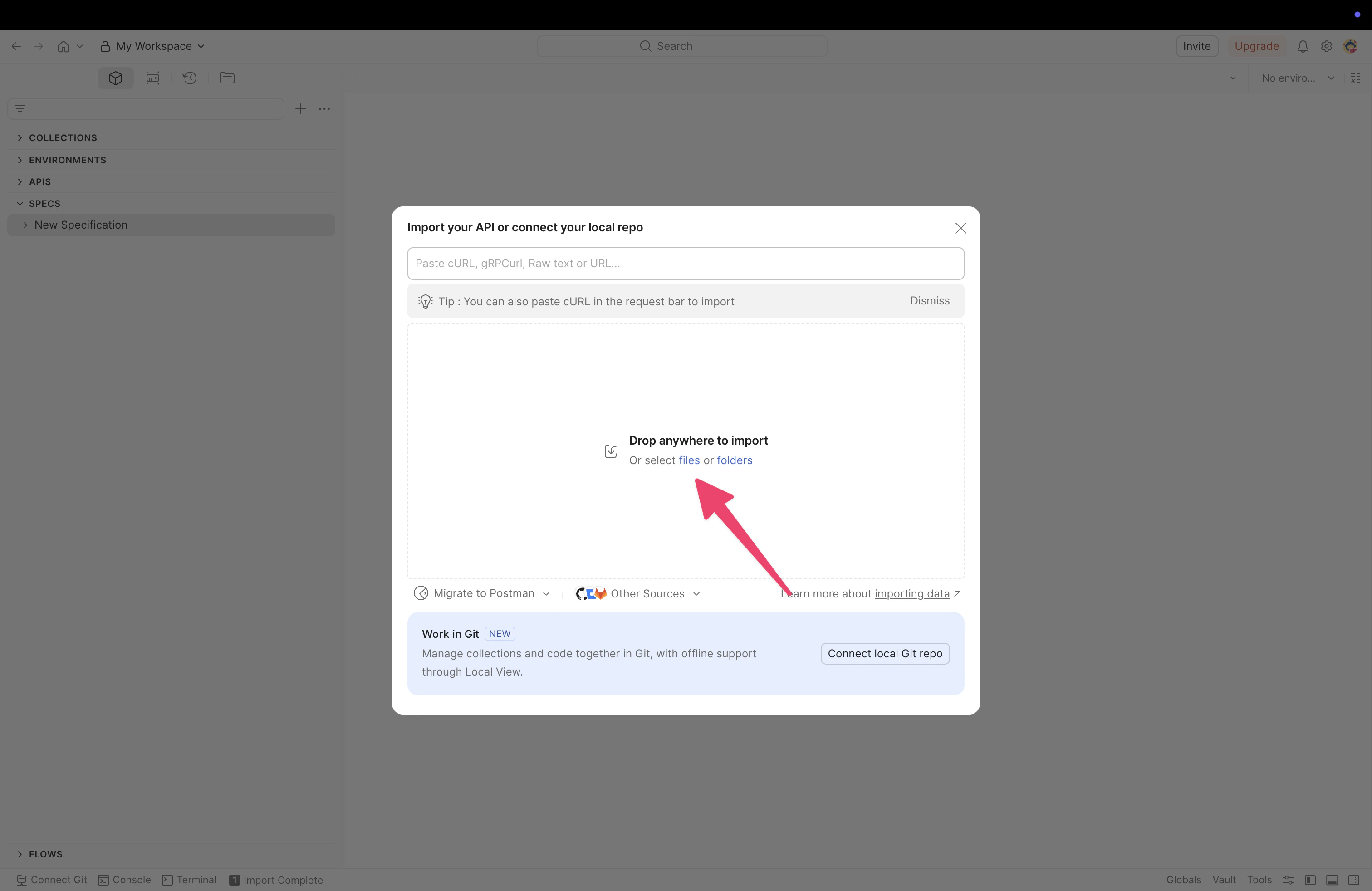
You can also select OpenAPI 3.1 Specification with a Postman Collection if you want to keep the raw specification alongside the collection.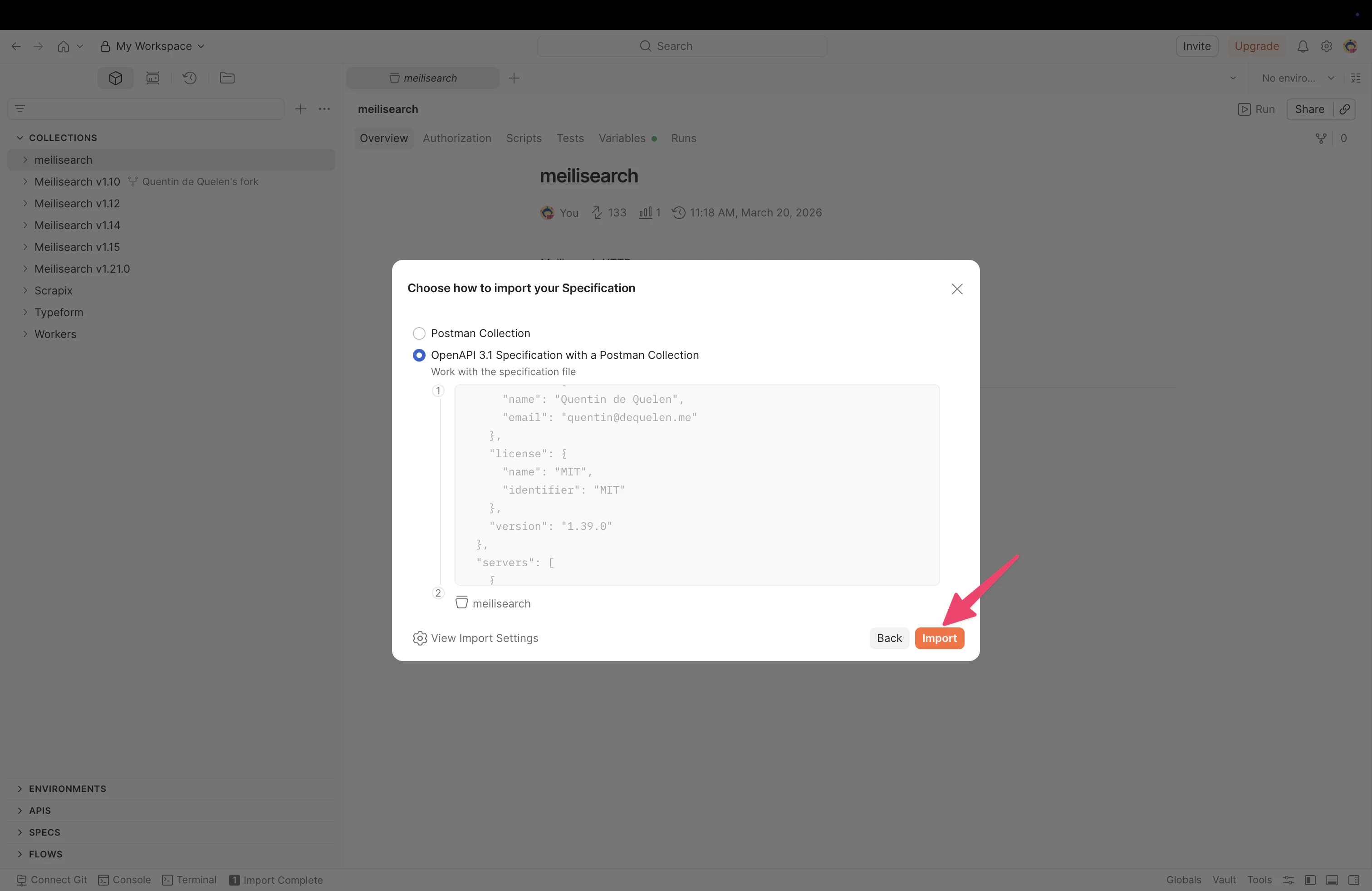
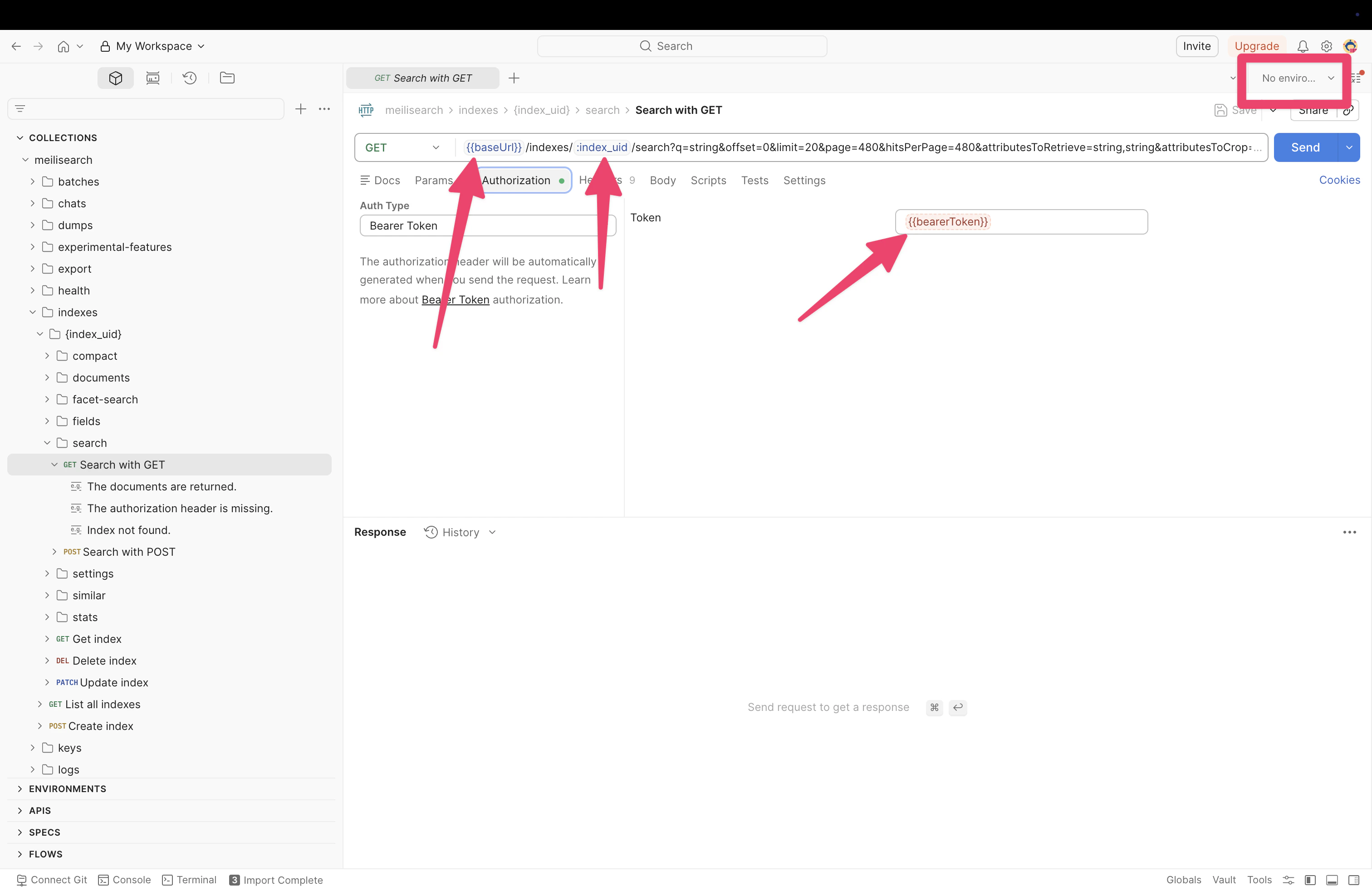
Configure authentication
After importing, you need to configure your API key so Postman can authenticate requests to your Meilisearch instance. Individual requests use Bearer Token authentication. You can verify this by selecting any request and checking the Authorization tab. The token field references{{bearerToken}}, which Postman resolves from your global variables.